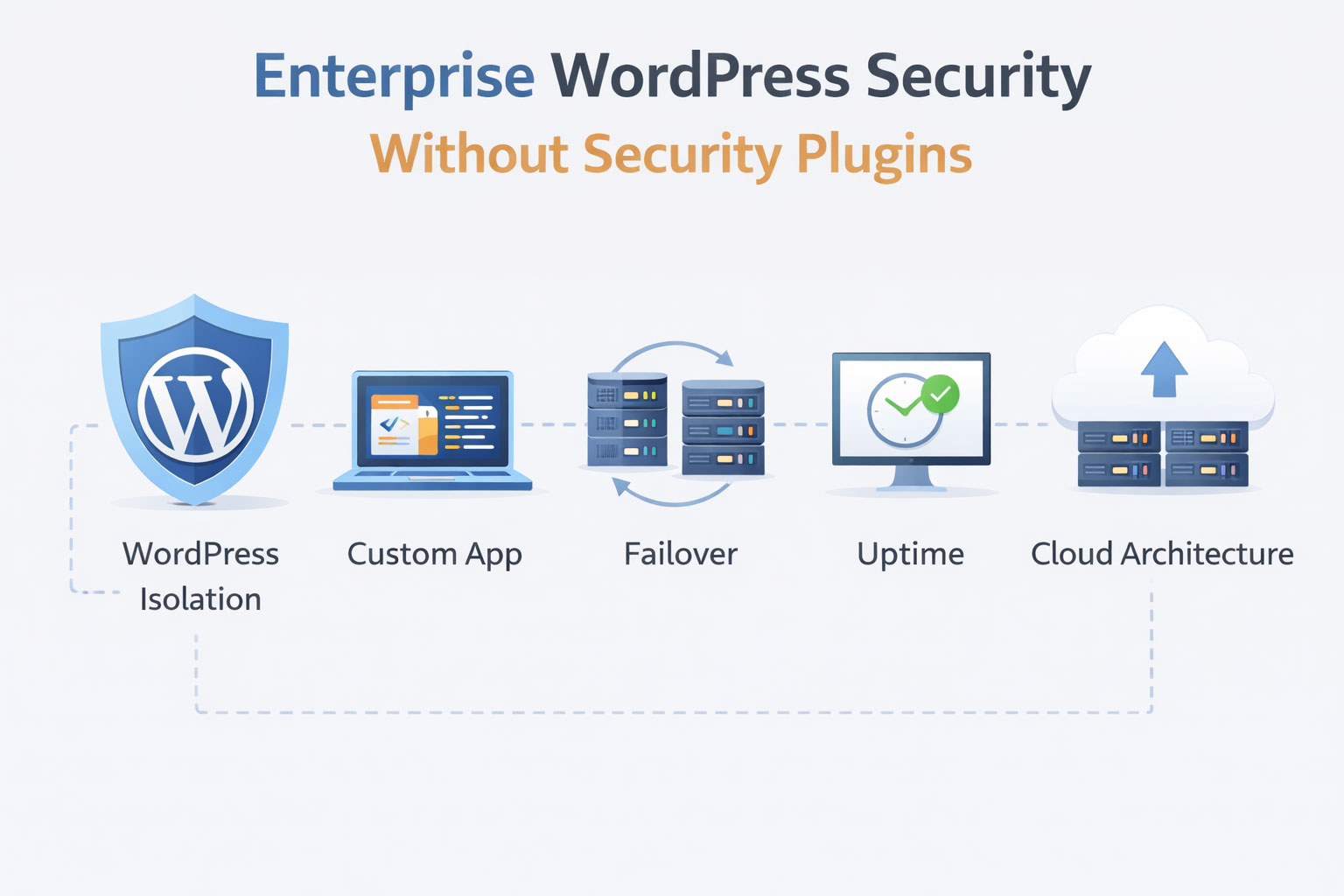
Use Cloudflare. Install a security plugin, keep WordPress updated regularly.
Common WordPress Security Recommendation
For a small blog, this advice works most of the time. However, updates may break the site, requiring a staging environment to verify changes before production deployment.
Case Context: HRPeak Enterprise Requirements
HRPeak is an ATS (Applicant Tracking System) with built-in Assessment Center, serving a large enterprise customer base. Their requirements include thousands of job openings, significant traffic volume, forms that submit to custom API endpoints, and a public-facing web application for certificate validation. The critical question: can it remain online during a datacenter failure?
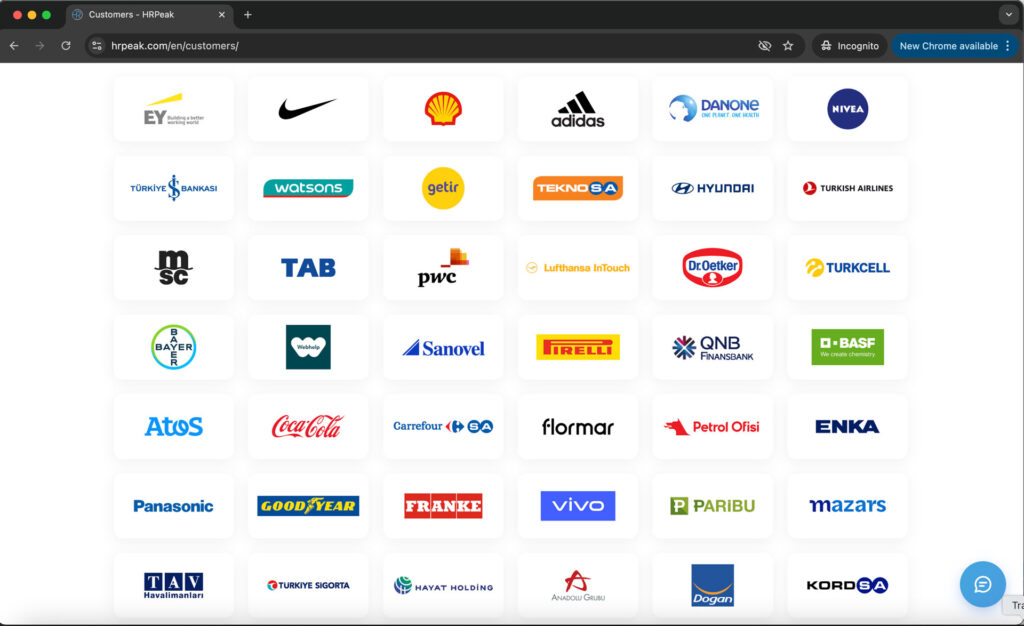
During a 15-hour primary datacenter outage due to datacenter-ISP issues, the site remained online from an independent second datacenter. This outcome resulted from architecture design, not plugin configuration.
Summary: Two Approaches to Enterprise WordPress Security
Two approaches to WordPress security exist for enterprise operations:
Plugin-based (current industry standard):
- Security plugins monitoring WordPress installation
- Cloudflare or CDN in front of single server
- Regular updates required immediately when vulnerabilities disclosed
- Single point of failure for infrastructure
Architecture-based (infrastructure isolation):
- WordPress isolated from public internet access
- Multi-datacenter redundancy with automatic failover
- Separate systems for separate functions
- Updates can be tested properly because WordPress is not the attack surface
This article documents a real-world test: 15-hour datacenter ISP failure with zero user-facing downtime.
Standard WordPress Setup Limitations for Enterprise Use
Problem 1: Single-Installation Architecture
Typical configuration: Website, forms, custom applications, and all functionality in one WordPress installation. Often, multiple company websites share the same hosting account.
Consequences:
- One security vulnerability affects all components
- Resource contention degrades performance across all functions
- Cannot update one component without risking the entire system
- Backup and recovery is all-or-nothing
- If one site is compromised, others on the same account are exposed
Problem 2: The Update Dilemma
WordPress core, plugins, and templates require regular updates. With multiple plugins, complexity increases. Updates may break functionality partially or completely. Not updating creates security vulnerabilities. Testing in staging requires time and resources.
Option A: Immediate updates when security patches release
- Maintains security against known vulnerabilities
- Risk of breaking website functionality
- Forms, custom features may fail
Option B: Test updates in staging before production
- Ensures functionality stability
- Window of vulnerability while testing
- Resource and time investment
When WordPress is publicly accessible, neither option is ideal. This is the structural dilemma.
Problem 3: Plugin-Based Security Limitations
Security plugins add protection layers but operate with inherent constraints:
- Performance overhead from request inspection
- WordPress remains publicly accessible (plugin guards some entry points, not all)
- Reactive rather than preventive protection model
- Potential conflicts with other plugins
- Security plugins themselves can introduce vulnerabilities
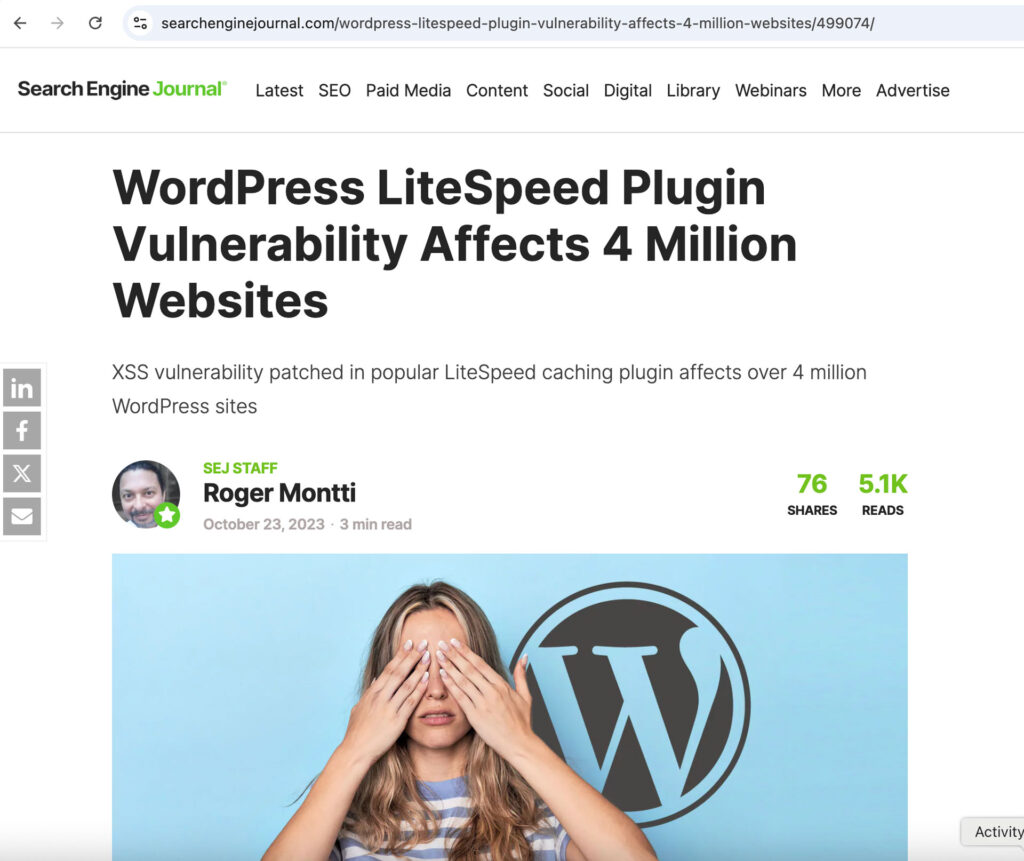
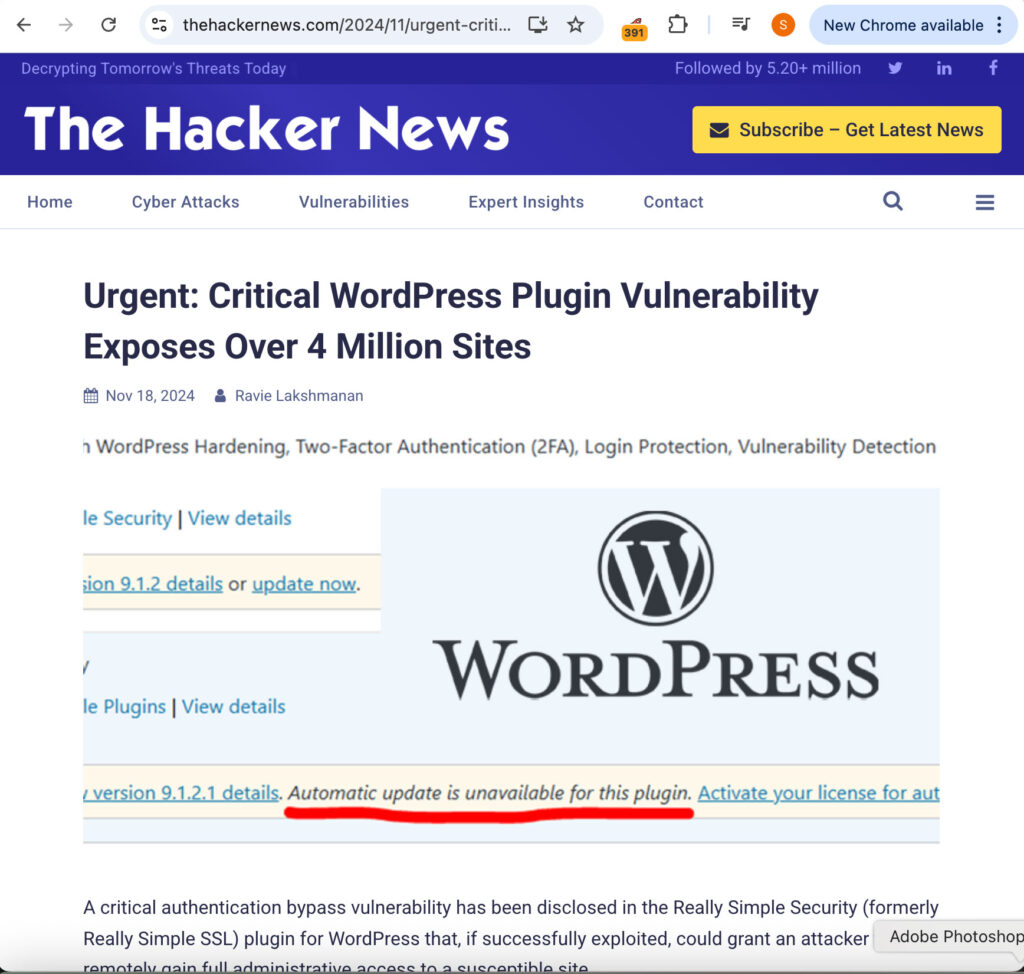
Example: A widely-used security plugin caused security vulnerabilities affecting millions of WordPress sites.
Architecture Design: WordPress Isolation with Multi-Datacenter Redundancy
Instead of a single vulnerable system, the architecture uses redundant infrastructure across multiple datacenters with automatic failover.
Copied!PUBLIC INTERNET ↓ CLOUDFLARE (DNS & Failover) ↓ GLOBALISER EDGE DATACENTERS (Multiple Geographic Locations) ├─ Edge Location 1 ├─ Edge Location 2 └─ Edge Location 3+ ↓ SPECIALIZED BACKEND SERVERS ├─ WordPress (main website) ├─ Certificate management ├─ Validation systems └─ Email backend (client's)
Traffic flow: Users connect to edge datacenters (multiple locations). Edge datacenters connect to specialized backend servers designed for specific functions. If one edge datacenter fails, Cloudflare routes traffic to others. If one backend system has issues, others continue operating.
Public-Facing Layer: Multiple Edge Datacenters
Users connect to edge datacenters in different geographic locations. Each datacenter serves:
- Main website (company information, services)
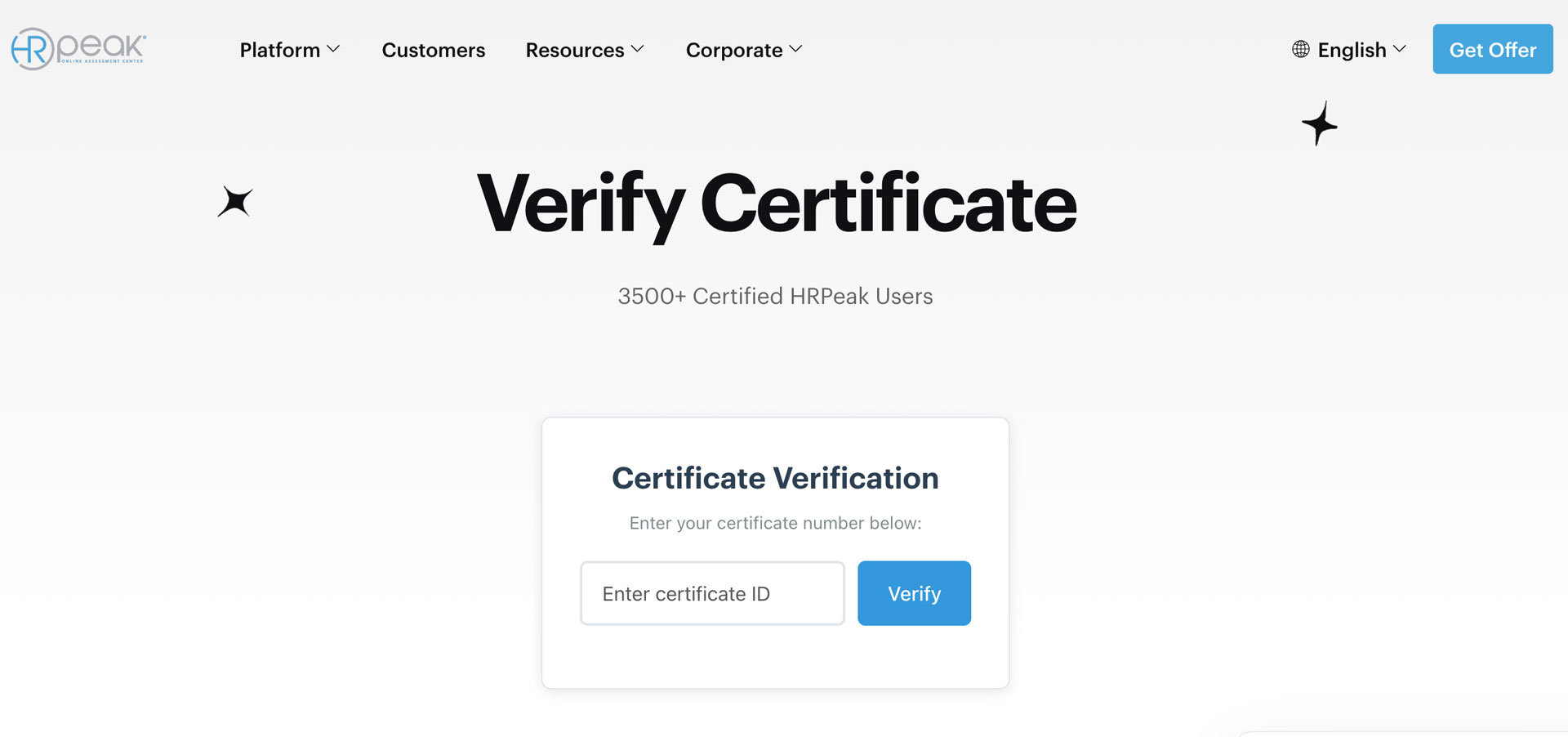
- Certificate validation (public lookup, 45ms response)
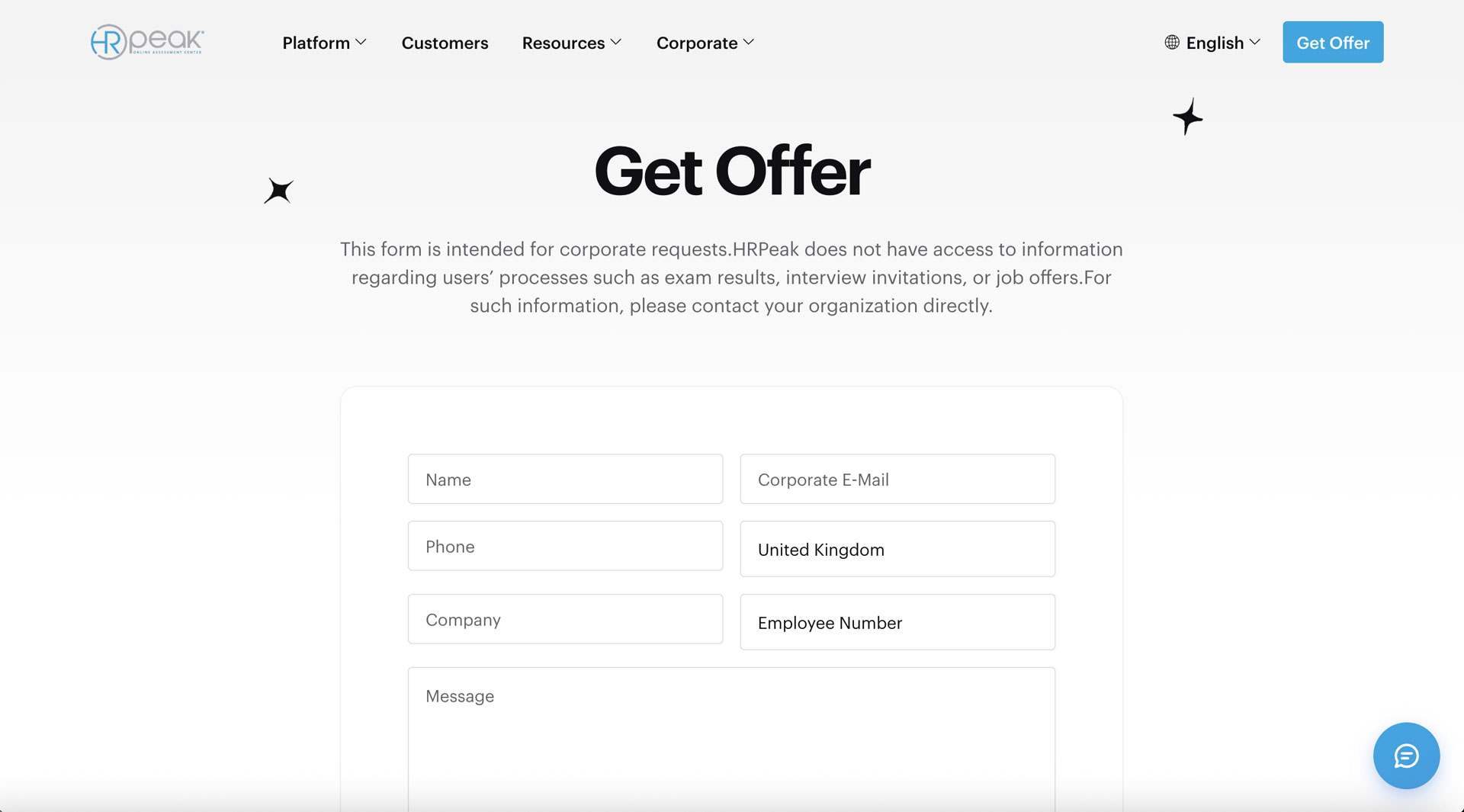
- Contact forms (frontend interface)
If one datacenter’s ISP fails, Cloudflare routes to others. Users experience no interruption.
Backend Layer: Not Publicly Accessible
- WordPress for content – Runs on private network, not exposed to public
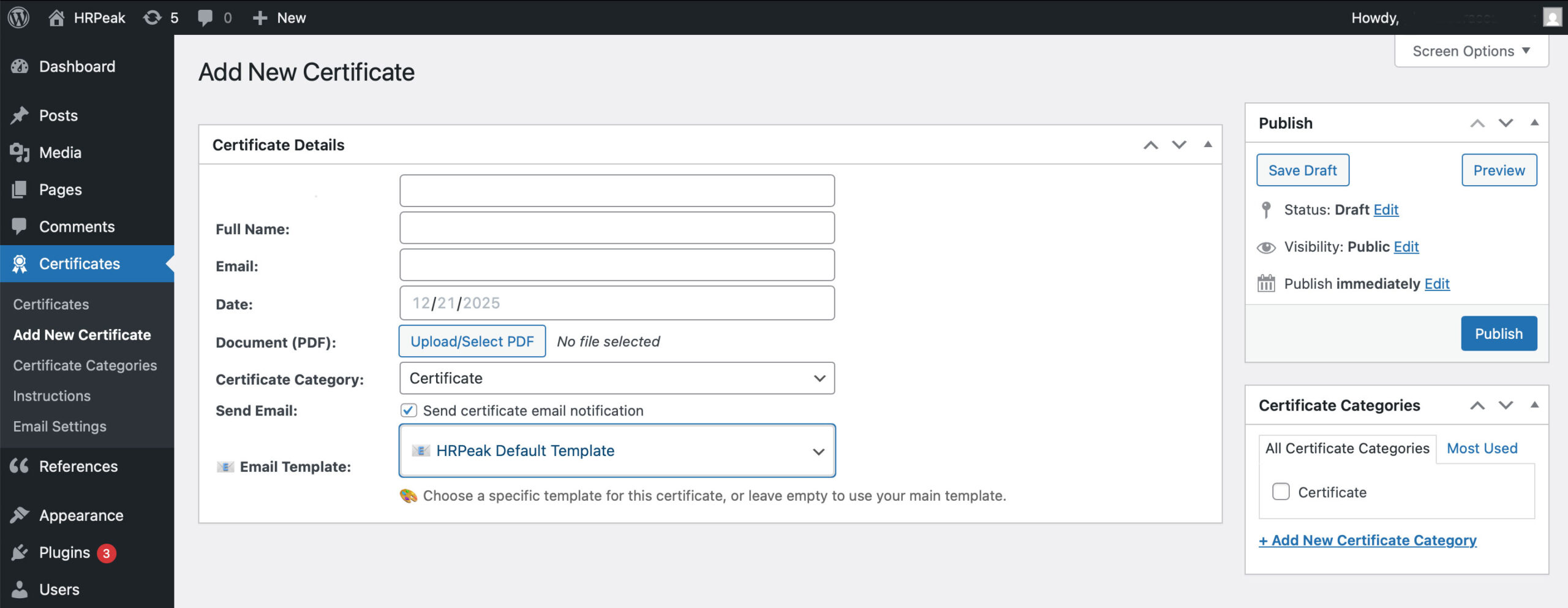
- Certificate management – Separate WordPress instance, custom plugin, private URL accessible only to staff
- Validation backend – Direct database queries, read-only access
- Email system – Client’s SOAP API, completely separate infrastructure
Architecture principle: The public interacts with edge datacenters (storefronts). Backend systems (warehouses) remain hidden. If one storefront loses connectivity, traffic routes to other storefronts. Backend operations continue regardless.
15-Hour Datacenter Outage: Documented Results
One edge datacenter experienced complete ISP failure. Internet connection to that datacenter was offline for 15 hours.
With typical single-server WordPress hosting: Complete outage. No website, no forms, no certificate validations.
Event Timeline
Hour 0: Datacenter 1 ISP Fails
- Primary edge datacenter loses internet connection
- Cloudflare health monitoring detects datacenter is unreachable
- Within seconds: Cloudflare stops routing traffic to affected location
Hours 1-15: Operations Continue
- Cloudflare automatically routes all traffic to Edge Datacenter 2, 3, etc.
- Main website remains online (served from working datacenters)
- Certificate validations continue (other datacenters handle requests)
- Contact forms function normally (routing to working locations)
- Backend systems unaffected (different connections, different ISPs)
Hour 15: ISP Restored
- Connection restored to affected edge datacenter
- Cloudflare detects recovery
- Traffic gradually routes back to all datacenters
Measured Outcomes
- User-facing downtime: 0-5 minutes (failover transition)
- Forms lost: Zero
- Advertising budget lost: Zero
- Certificate validation app affected: No
- Customer complaints: Zero
- Emergency response costs: $0
- Manual intervention required: None (automatic failover)
This was not a planned test. It was an actual ISP failure, and the architecture performed as designed.
How Architecture Resolves the Update Dilemma
The update dilemma (update immediately and risk breakage, or test slowly and stay vulnerable) exists because WordPress is publicly accessible.
Traditional setup:
- WordPress exposed to public internet
- Attackers can target WordPress directly
- Security patches must be applied immediately
- But immediate updates risk breaking functionality
Isolation architecture:
- WordPress runs on private network
- Not directly accessible from internet
- Only edge datacenters connect to it
- Updates can be tested properly because WordPress is not the attack surface
When WordPress is not publicly accessible, the urgency of immediate security updates decreases. Testing can be conducted properly without exposure risk.
Security Model: Attack Surface Reduction
Public sees: Edge datacenters (rate limited, DDoS protected)
Public cannot access: WordPress Admin, WordPress Certificate Management App, Email backend
Database access for public validation app: Read-only (can query, cannot modify)
Admin access: Private URLs only (not discoverable from public website)
This creates no friction for content management. WordPress functions normally for editors and administrators, but remains invisible to public internet.
Attack Surface Comparison
- WordPress not publicly accessible (cannot attack what cannot be reached)
- Certificate management hidden (private URL only)
- Validation app does not use WordPress (no WordPress vulnerabilities apply)
- Systems isolated (compromising one does not cascade to others)
Security audit results:
- SQL injection attempts: Blocked
- WordPress-specific attacks: Cannot locate WordPress (not exposed)
- Cross-system attacks: Failed (systems isolated)
Performance Measurements
Edge Network Performance
- Local response time: Under 100ms
- Full page load (LCP, mobile throttled): Under 2.5 seconds
- Single point of failure: None (multiple datacenters)
Certificate Validation Application
- Average response: 45ms
- WordPress REST API approach (comparison): 280ms (6x slower)
- WordPress with security plugins (comparison): 450ms (10x slower)
Performance difference explained: No WordPress loading (50+ files and plugins), direct database connection, purpose-built application for validation only.
Contact Forms
- Form submission: 300ms average
- Routes to: HRPeak’s SOAP API (their infrastructure)
- Not using: WordPress email or SMTP plugins
- Reliability: Enterprise email backend, not WordPress plugin dependencies
Use Case Applicability
This Architecture Applies When:
Downtime has business cost:
- E-commerce sites (revenue stops during outages)
- Marketing sites with active campaigns (ad spend continues, conversions stop)
- Brand sites (reputation and client trust implications)
- SaaS platforms with SLA obligations
Long-term infrastructure investment is acceptable:
- Higher initial setup cost
- No forced rebuild as requirements grow
- Proven disaster recovery (15-hour test documented)
This Architecture Does Not Apply When:
- Simple blog or portfolio site
- Limited budget for infrastructure investment
- Downtime is inconvenient but not costly
Investment Considerations
“Start Simple, Rebuild Later” Pattern
Initial appearance:
- Lower upfront cost
- Faster launch
18-24 months later:
- Performance degradation
- Updates become high-risk operations
- Rebuild required (2-3x original cost)
- Data migration complexity
- Downtime during transition
Architecture-First Pattern
Initial investment higher, but:
- Built correctly once
- No rebuild required
- Proven resilience (15-hour datacenter failure = 0 user downtime)
- Independent system updates (no cascading failures)
- Scale by adding datacenters (architecture already supports it)
Cost comparison question: What would 15 hours of downtime cost your organization?
For HRPeak with thousands of job postings and enterprise clients, 15 hours offline would have meant lost leads, reputation damage with enterprise clients, potential contract violations, emergency recovery costs, and staff overtime.
Enterprise WordPress = Scaling + High Availability + Security + Speed + Maintainability
This architecture demonstrates that enterprise WordPress security is not about installing more plugins. It is about building systems that isolate WordPress from public access, separate concerns properly, and continue operating when infrastructure fails.
Discuss multi-datacenter architecture requirements →
About the Author